
Google Ads Low Quality Traffic: Bad Clicks or Bad Pages?

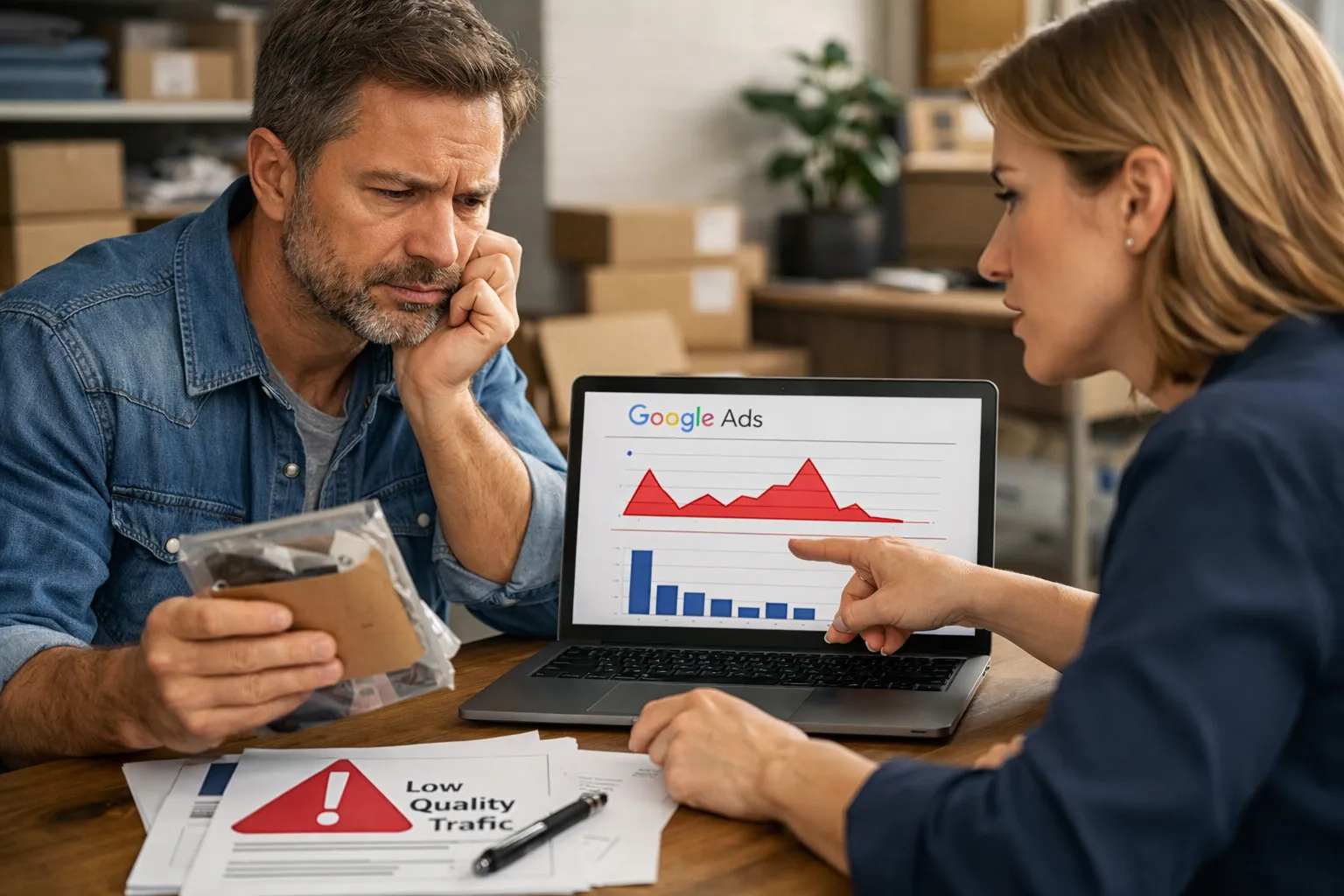
Low quality Google Ads traffic comes from one of four places: the search terms you pay for, the landing page, the offer, or invalid clicks. To find out which, sort a month of spend into terms a buyer would type and terms they wouldn't. Then put that next to engagement for the same keywords or ad groups. Junk queries with poor engagement is a query problem. Clean queries with poor engagement is a page or offer problem.
Do this before you add negatives, rewrite the page or report Google for fraud. Each fix only helps its own cause. Blocking search terms won't save a slow page, and a new page won't save you from paying for "plumber salary".
"The traffic is bad" is one of the most common complaints about Google Ads. It's also one of the least useful, because four different problems look the same from the campaign overview: lots of clicks, short visits, few conversions.
Those four problems have four different fixes. If you pick the wrong one, you spend a month on it and nothing changes. Before you touch anything, work out which one you have.
Low quality traffic is one of four problems, not one
Bad Google Ads traffic comes from the queries, the landing page, the offer, or invalid clicks. Each one leaves a different trace in your data.
- Query problem. You pay for searches from people who were never going to buy. Think "plumber salary", "how to become a plumber" or "plumbing course near me" in a campaign selling emergency call-outs. These visitors leave quickly because the page doesn't answer their question, and it shouldn't.
- Landing page problem. The searches are right ("emergency plumber", "burst pipe repair tonight") but the page loses them. Maybe it loads slowly on mobile, hides the phone number, shows a generic homepage, or asks for a 12-field form.
- Offer problem. The searches are right and the page works, but people don't take the deal. The price, delivery time, minimum order or service area is wrong for them. These visitors often engage well: they scroll, check pricing, then leave.
- Invalid or bot traffic. Some of the clicks aren't people at all, or are people with no interest in anything, such as accidental taps and click farms on partner sites.
The first fix is negative keywords. The second is page work. The third is a business decision. The fourth is partly Google's job and partly placement and network settings. The check below sorts them.
Why the usual Quality Score advice doesn't answer the question
Most pages that rank for this topic tell you to raise your Quality Score: improve ad relevance, raise click-through rate, make the landing page more relevant. That's fine for lowering CPCs. It doesn't tell you where bad traffic comes from.
Quality Score is a keyword-level score. It rates your keyword, not the search terms that keyword matched. A broad match keyword "emergency plumber" can have a Quality Score of 8 while a large part of its spend goes on "plumber apprenticeship" and "plumber hourly rate". The score doesn't see that split. You only see it in the search terms report.
The "landing page experience" part of Quality Score is a rating Google gives your page. It isn't a measure of how your actual visitors behaved. A page can be rated "Above average" and still lose most of the people who reach it from mobile, because the click-to-call button sits below the fold.
The other common advice is to blame invalid traffic and bots. Bots exist. But going straight to "it's fraud" skips the much more common cause: the account is paying for searches it should never have matched. If you want the wider argument, read Google Ads Clicks but No Sales? Read the Queries First. The check here goes one step further. It uses engagement data to tell the query problem apart from the page problem.
The search-term-versus-bounce check
The check puts two numbers side by side for the same group of traffic. One is the share of spend that went on queries a buyer would actually type. The other is how engaged those visitors were. Where the two disagree, you've found your cause.
You need a Google Ads account with at least a few weeks of search terms data, and GA4 linked to it. Use a 30-day window if your volume allows. Shorter windows give you noise.
Step 1: Sort the spend, not the list
Open the search terms report for one campaign. Sort by cost, not by clicks or impressions. Go down the list and mark each term as one of three:
- Buyer: someone who types this could buy from you today. "emergency plumber", "24 hour plumber near me", "burst pipe repair".
- Not a buyer: wrong intent, wrong product, wrong audience. "plumber salary", "plumbing course", "how to fix a leaking tap yourself".
- Unclear: could go either way. "plumber cost", "plumber reviews". Leave these alone for now.
Then add up the cost in each bucket. What you want is the share of spend in the "not a buyer" bucket for each ad group or keyword, not a list of bad terms. Stop once you've covered most of the cost. The long tail of one-click terms rarely changes the picture.
If you've never done this classification before, Add Negative Keywords From Search Terms Without Guessing covers how to judge intent without overthinking each term.
Step 2: Pull engagement at the same level
Now get engagement for the same ad groups or keywords. In GA4, engagement rate is the share of sessions that count as "engaged". Google defines an engaged session as one that lasts longer than 10 seconds, has a key event, or has two or more page views. GA4's bounce rate is simply the inverse of engagement rate.
Here is the honest limitation. You usually can't get reliable engagement per search term. Google Ads reports search terms. GA4 reports sessions. The link between the two is clean at campaign, ad group and keyword level, and patchy below that. So the check works at the level where both datasets line up, which is the ad group or the keyword. You compare the query mix of each ad group with that ad group's engagement.
That's also why the check works best when your ad groups are tight. An ad group with forty loosely related keywords mixes too much together to read.
Step 3: Read the four quadrants
Put each ad group into one of four boxes:
| Engagement is poor | Engagement is fine | |
|---|---|---|
| High share of non-buyer spend | Query problem | Researchers: they read, they don't buy |
| Low share of non-buyer spend | Landing page problem | Offer or tracking problem |
Junk queries, poor engagement. The traffic is bad because you're buying the wrong searches. Fix it with negative keywords and tighter match types. Page changes won't help much, because the page isn't the problem.
Junk queries, fine engagement. These are researchers and DIY readers. They stay, read your content and leave. This often happens when the landing page is a blog post or a detailed guide. The traffic feels good in GA4 and does nothing for revenue. Block the clear non-buyer terms anyway. Engagement isn't the goal.
Clean queries, poor engagement. This is the most important box. The people searching are your buyers and they still leave. That's the page: speed, layout, message match, the form, the mobile version. Negative keywords will do almost nothing here. Adding more of them only shrinks the traffic you actually want.
Clean queries, fine engagement, still no conversions. Buyers arrive, look around and don't convert. Check conversion tracking first. A broken tag looks exactly like a bad offer. If tracking is fine, the problem is the offer: price, terms, availability, trust. That's a conversation with the business owner, not a change in Google Ads.
A worked example: one plumbing account, two ad groups
Take a local plumber spending $2,000 a month on Search, split evenly between two ad groups.
Ad group A, "Emergency plumber" (broad match), $1,000 in 30 days.
After sorting the search terms by cost:
- $500 on buyer terms: "emergency plumber", "plumber open now", "burst pipe repair".
- $400 on non-buyer terms: "plumber salary", "emergency plumber jobs", "plumbing apprenticeship", "how to unblock a drain".
- $100 on unclear terms: "plumber call out cost".
So 40% of spend went on non-buyer queries. Engagement in GA4 for this ad group is poor, well below the account's other ad groups.
Ad group B, "Boiler repair" (phrase and exact), $1,000 in 30 days.
- $900 on buyer terms: "boiler repair near me", "boiler not working", "boiler engineer today".
- $50 on non-buyer terms: "boiler repair course".
- $50 on unclear terms: "boiler repair cost".
Only 5% of spend went on non-buyer queries. Engagement is also poor, about the same as ad group A.
Both ad groups "have low quality traffic". They don't have the same problem.
Ad group A is mostly a query problem. Blocking the $400 of job and DIY searches is the obvious first move. After that, its engagement should rise, because the remaining traffic is mostly buyers.
Ad group B is a page problem. Ninety cents of every dollar went on people who wanted a boiler fixed, and they still left quickly. When someone opens the boiler landing page on a phone, they find a slow-loading hero image and no visible phone number until the third scroll. Negative keywords can't fix that. Removing the $50 of "boiler repair course" saves $50 a month and changes nothing else.
There's a useful side-check here. If ad group A's engagement after cleaning ends up close to ad group B's, then both are suffering from the same page weakness too. The queries were simply hiding it.
When it really is invalid or bot traffic
Invalid traffic is real, but it has a recognisable look, and most "low quality" complaints don't match it. Check for these signs before you go down that path.
- Clicks with no matching sessions. Google Ads reports clicks, GA4 reports sessions. They never match exactly: people close the tab before the page loads, consent banners block tracking, ad blockers interfere. But a sudden widening of the gap on one campaign, without any site change, deserves a closer look.
- Engagement collapse on one network, not on Search. If the poor sessions come from the Search Partners network, the Display Network or a Performance Max campaign, and your Google Search traffic is fine, the problem lives in placements, not queries.
- Geography that doesn't fit. Clicks from places you don't target usually mean your location setting includes "people interested in" your area, not only people in it. That's a setting, not fraud.
- Spikes at odd hours with identical behaviour. Many clicks in a short window, all with zero engagement, all from the same device type.
Google states that it filters invalid clicks automatically and that you aren't charged for the ones it catches. Clicks identified after billing are credited back, and you can see these as invalid click credits in your billing. You can add the "Invalid clicks" and "Invalid click rate" columns to your campaign reports to see what Google has already filtered.
What Google filters isn't everything that's worthless to you. An accidental tap in a mobile game is a real click by a real person, and Google may well count it as valid. That kind of traffic is a placement problem. For Performance Max, Performance Max Placement Exclusions, Honestly explains what you can and can't exclude.
Notice what the check does here. If an ad group has clean queries and poor engagement, and the poor engagement shows up on Search too, bots are an unlikely explanation. Bots don't confine themselves to people typing "boiler repair near me" on google.com. That pattern points to the page.
Where the check breaks down
The search-term-versus-bounce check depends on seeing search terms. Some campaigns show you only part of them, and some show none.
Display, Video and App campaigns report no search terms at all. There is no query side to check. Low quality traffic there comes from placements, audiences and creative. The quadrant table doesn't apply, and negative keywords won't fix it.
Performance Max reports search terms, but not all its spend is search. PMax search terms appear in the same campaign_search_term_view as Search and Shopping. But a PMax campaign also spends on Display, YouTube, Gmail and Discover inventory, where there's no query. So a "low share of non-buyer spend" in the PMax search terms only covers the search part of the campaign. What the PMax Search Terms Report Actually Shows explains the gaps. One practical point: a PMax campaign accepts up to 10,000 campaign-level negative keywords, but no shared negative keyword lists. If PMax is the problem campaign, your negatives must go on the campaign itself.
Some search terms are hidden. Google doesn't show terms that too few people searched. That hidden spend can't be sorted, so your "share of non-buyer spend" is really a share of the visible spend. If a large part of the cost sits in the hidden bucket, treat the result with caution. Google Ads Search Terms Hidden by Privacy, and What to Do covers how to work around it.
Device mixes can mislead. A landing page can work well on desktop and badly on mobile. If one ad group gets most of its clicks on phones and the other on desktop, comparing their engagement compares devices, not queries. Segment by device before you decide. Google Ads Wasted Spend by Device: Where It Hides shows how.
Exact match isn't a clean control. You might think exact match ad groups automatically have "clean queries". They don't. Exact match keywords also match close variants, and some close variants carry a different intent. Check the search terms even for exact match. See Close Variants in Google Ads and Why Exact Isn't Exact.
What to fix, depending on the quadrant
Once you know the cause, the fix is usually clear. The mistake is applying all four fixes at once, so you never learn which one worked.
Query problem: negatives first, then match types
Block the non-buyer terms you found in Step 1. Choose the match type carefully. Broad, phrase and exact are the three negative match types. Phrase and exact negatives are predictable. Broad negatives behave unpredictably across match types, so use them only for words that are never relevant, like "salary" or "jobs" for a service business. Be careful with words that look like junk but sometimes bring buyers. "Cheap" and "free" are the classic cases, covered in Blocking "Free" and "Cheap" Searches Without Losing Buyers.
Then ask why the keyword matched those terms in the first place. If one broad match keyword is responsible for most of the junk, tightening that one keyword may beat adding fifty negatives.
Landing page problem: change one thing, then re-measure
Don't rebuild the whole page. Pick the most likely culprit: load speed on mobile, a phone number above the fold, a headline that repeats the search ("Emergency plumber in Denver, at your door in 60 minutes"), a shorter form. Change it, wait for enough traffic, and compare engagement on the same ad group. Because the queries are already clean, any change in engagement is the page.
Offer problem: bring the numbers to the business
If buyers arrive, engage and leave, the ad account is working. Show the owner the data: "These were people searching for exactly what you sell. They looked at the price and left." Whether to change the price, the guarantee or the service area isn't a Google Ads decision. It's still the most useful thing your audit can produce.
Wasted spend: put a dollar figure on it
Whatever the quadrant, put a number on the cost. "$400 a month on job seekers" moves a client faster than "traffic quality is low". How to Calculate Wasted Ad Spend Honestly shows how to count it without inflating it. If you want the full account review around it, Google Ads Audit Checklist You Can Run in an Hour puts this check in context. If CPA is the number your client cares about, CPA Too High in Google Ads? Check Search Terms First frames the same work around cost per acquisition.
What PPCleaner handles, and what it doesn't
PPCleaner works on the first quadrant only: query-driven junk. Every night it reads the search terms your account paid for in Search, Shopping and Performance Max. It judges which ones were never going to convert and adds them as negative keywords. It never blocks a term that converted in the last 90 days. Every block can be undone in one click for 90 days.
It doesn't fix landing pages, offers, tracking or placements. It doesn't touch budgets, bids, ads or keywords. It can't see the hidden search terms that Google doesn't report, and it has nothing to work with in Display, Video or App campaigns, because those report no search terms.
In the worked example, PPCleaner would take care of ad group A's job and DIY searches, and would leave ad group B much as it was. That's the right result. Ad group B's problem is on the website, and no tool that adds negative keywords should pretend otherwise.
Frequently asked
How do I know if low quality Google Ads traffic is caused by my landing page?
Sort the search terms in an ad group by cost and check what share of spend went on queries a buyer would type. If most of the spend went on buyer queries and engagement is still poor, the queries aren't the problem. Look at the page: mobile speed, message match, phone number placement, form length.
Can I see bounce rate for each search term?
Not reliably. Google Ads reports search terms and GA4 reports sessions. The two line up cleanly at campaign, ad group and keyword level, and patchily below that. Compare each ad group's query mix with its engagement, and keep ad groups tight so the comparison means something.
Is low quality traffic usually bots or click fraud?
Not usually. Google says it filters invalid clicks and credits back the ones it catches after billing, and you can add invalid click columns to your reports to see them. Poor engagement that also shows up on Google Search, with clean buyer queries, points to the page rather than bots. Junk traffic concentrated on partner sites or Display placements is a placement issue.
Will raising my Quality Score fix low quality traffic?
Rarely. Quality Score is a keyword-level rating and doesn't show which search terms that keyword matched. A keyword can score well while a large part of its spend goes on irrelevant searches. Its landing page component is Google's rating of your page, not a measure of how your visitors actually behaved.
Does this check work for Performance Max?
Partly. PMax reports search terms for its search inventory, but it also spends on Display, YouTube, Gmail and Discover, where there's no query to check. Some search terms are hidden for privacy too. Use the check on the search part, and remember that PMax accepts campaign-level negatives (up to 10,000) but not shared lists.

Clean your search terms. Save time and money.
Every night, PPCleaner reviews the searches your campaigns actually paid for, groups them by intent, and excludes the ones that never convert. No spend threshold to wait for, nothing touched but negatives — and one click undoes any of it.
Start 7 days freeSearch, Shopping and Performance Max · Cancel in one click
Related articles
Google Ads Invalid Clicks Refund: What You Actually Get
Google credits you for clicks it judges invalid: bots, duplicates, obvious fraud. It never refunds a real person who clicked your ad after searching for the wrong thing, and in most accounts that is where far more money goes.

Google Ads Clicks but No Sales? Read the Queries First
When Google Ads gets clicks but no sales, most advice tells you to rewrite the ads. Sort your search terms first: in about an hour they tell you whether the problem is the traffic, the page or the tracking.

CPA Too High in Google Ads? Check Search Terms First
Most advice for a high CPA starts with your bid strategy. Check first how much of your cost goes to search terms that were never going to convert, because no target CPA can fix that spend.